Cutiora's Free Photo Editing Tools
🎀 Your one-stop spot for all things cute & creative
All of Cutiora's Free Photo Tools
Cutiora is a small collection of free, no-sign-up photo tools that all run right in your browser: PFP Border Maker for a cute, circular profile picture border; Aesthetic Photo Filters for instant Y2K, VSCO, and vaporwave-style looks; Photo Booth for webcam photo strips; Sticker Maker for turning any photo into a cute sticker with a transparent background; Shape Frames for putting photos inside hearts, stars and other shapes on top of your picture; and the Cute Photo Editor for adding text, aesthetic symbols, kaomoji faces, stickers, and drawings to any photo. Mix and match them — nothing here needs an account or a download.
PFP Border Maker
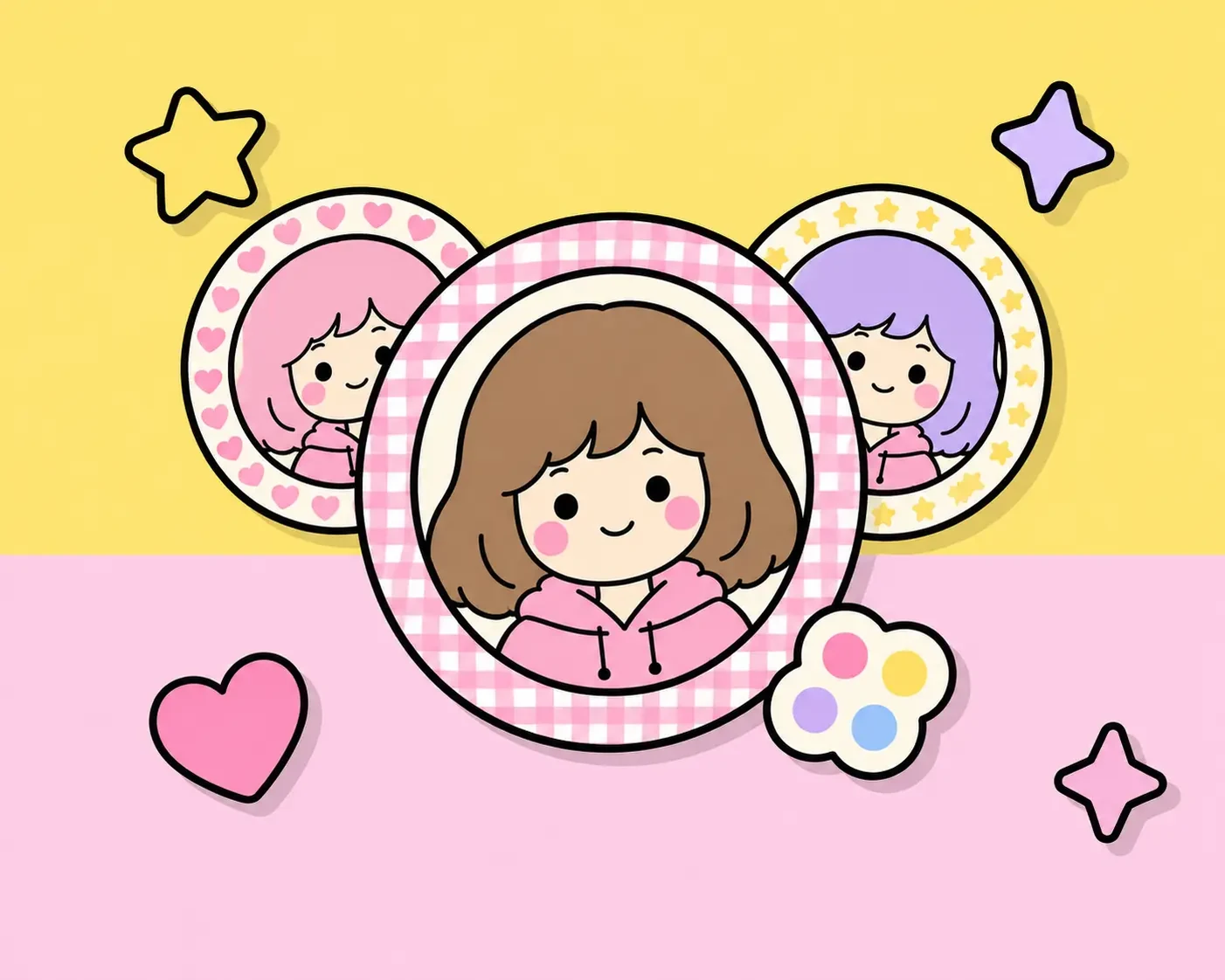
Turn any photo into a round profile picture with a cute border. Pick from more than 70 designs — simple gingham, dots and hearts, plus kawaii, coquette, Christmas, Y2K, garden, night-sky and Halloween borders — and change their colours, or upload your own image (pearls, lace, shells, fabric) to use as the border itself. Great for a kawaii, coquette, or matching pfp on Discord, Instagram, or TikTok. Try PFP Border Maker →
Aesthetic Photo Filters
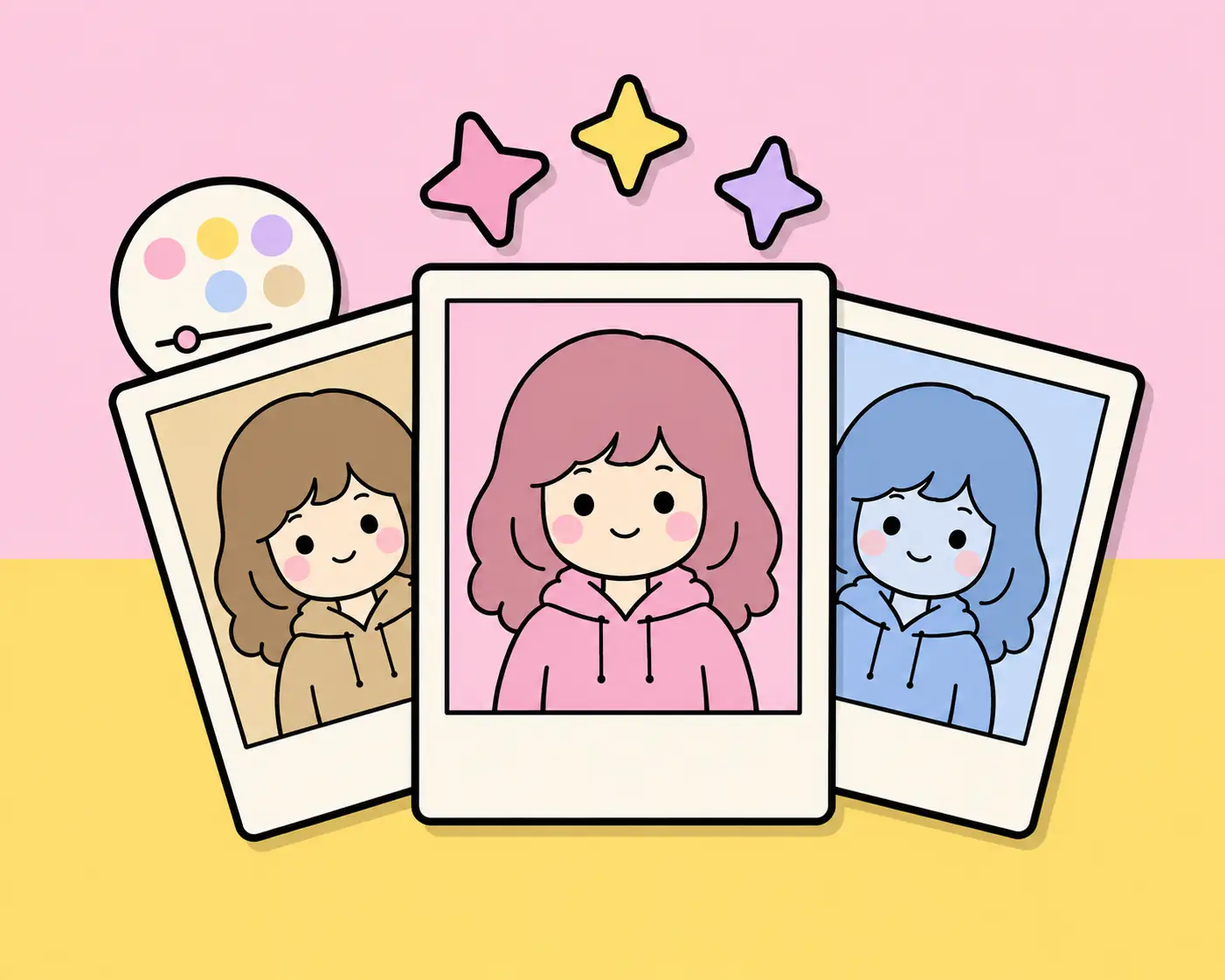
Instantly apply one of 50+ aesthetic looks — trending looks like CCD Digicam, Disposable, Teal & Orange, Coquette, 2016 Vibe and Halation, plus classics like Y2K, VSCO, Vaporwave, Webcore, Vintage and Dreamy — to any photo you upload, then fine-tune it with the Adjust panel. Try Aesthetic Photo Filters →
Photo Booth
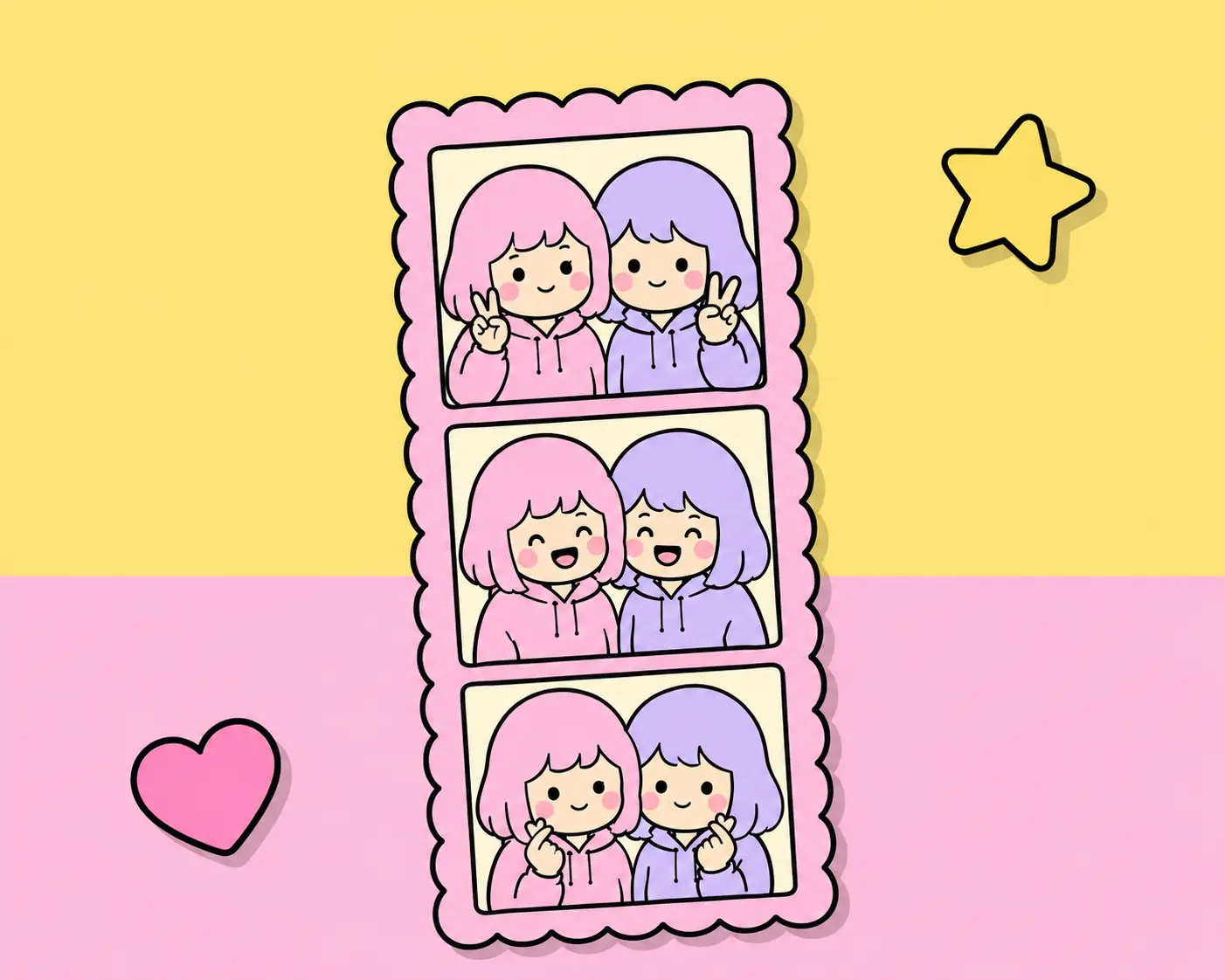
Turn your webcam into a real photo strip machine: pick a Classic Layout or a designed Frame Template, shoot a 1, 3, or 4-shot strip (or upload photos instead), then add filters, text, stickers, and drawings before downloading. Try Photo Booth →
Cute Photo Editor
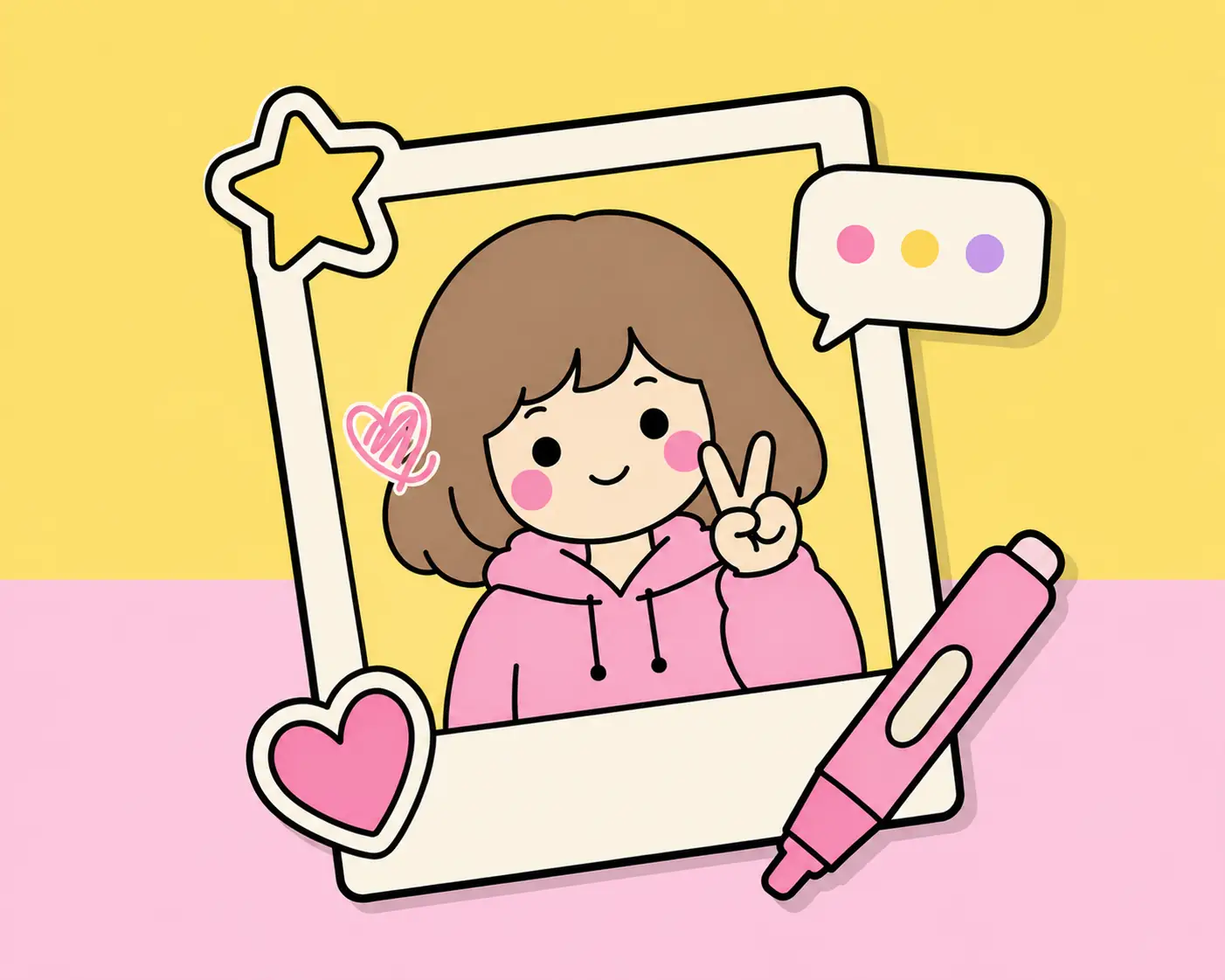
The main Cutiora tool: upload a photo and add text with cute fonts and built-in aesthetic symbols & kaomoji panels, hundreds of Food, Love, Y2K, Alphabet, Cute, and Study stickers, plus hand drawing with a brush, eraser, and fill tool. Open the Cute Photo Editor →
Sticker Maker
Turn any photo into a cute sticker: cut out the background automatically or by hand (or keep the whole picture), then add a filter, a drawing, a white die-cut outline and a shadow, and download a transparent PNG. Save your favourites to reuse in the photo editor and Photo Booth. Try Sticker Maker →
Shape Frames
Put a photo inside a heart, star, bow, butterfly, cat and 15 more cute shapes, right on top of your own picture. Each shape holds its own photo, and you can move, resize and turn it, zoom the photo inside it, choose what is in front in Layers and draw on top. Perfect for photos inside hearts, best friend edits and the anime star eye trend. Downloads at your photo's full size. Try Shape Frames →
Frequently Asked Questions
Are all of Cutiora's tools free?
Yes — every tool on Cutiora is 100% free, with no sign-up and no watermark on anything you download.
Do I need an account to use any of these tools?
No. None of Cutiora's tools require an account — just open any tool and start creating.
Which tool should I use to add stickers to a webcam photo?
Use Photo Booth — it captures photos from your webcam (or lets you upload some), then lets you add stickers, text, and drawings on the finished strip.
Can I combine filters, text, and stickers on the same photo?
Yes. Apply a filter first in the Aesthetic Photo Filters tool, then open the Cute Photo Editor or Photo Booth to add text, stickers, and drawings on top.
Which tool should I use to add a border to my profile picture?
Use PFP Border Maker — it crops your photo to a circle and adds a recolorable border (or a border made from your own image), then lets you apply a filter or drawing on top before downloading.
Which tool should I use to turn a photo into a sticker?
Use Sticker Maker — it removes the background from your photo (automatically or by hand, or you can keep the whole picture), lets you add a filter, a drawing, a white outline and a shadow, and downloads a transparent PNG. You can also save your stickers to reuse in the photo editor and Photo Booth.
Which tool should I use to put a photo inside a heart or a star?
Use Shape Frames — add hearts, stars, bows, butterflies and 16 more cute shapes on top of your photo, put another photo inside each one, move and resize them, draw, and download at your photo's full size.
Can I use Cutiora's tools on my phone?
Yes, every tool works on any modern phone, tablet, or computer browser, and can even be installed as an app.